Mergado Marketplaces – 62 – UNAS integration for order synchronization and campaign drafts
In the first release of this year, we bring you several improvements. Our order synchronization has been extended to another e-commerce platform, UNAS, which will be especially appreciated by Hungarian sellers  In addition, we are rolling out many more new features
The most important user-visible changes include:
 Order synchronization for UNAS
 Campaign drafts
 Validation of empty nested elements during campaign creation and in settings
 Clearer information about the listing status of product cards
 Allegro additional services packages
 Fixed synchronization of product condition for Kaufland when paired to an element from the feed
 A number of other smaller fixes and improvements
More details on selected changes:
Order synchronization for UNAS
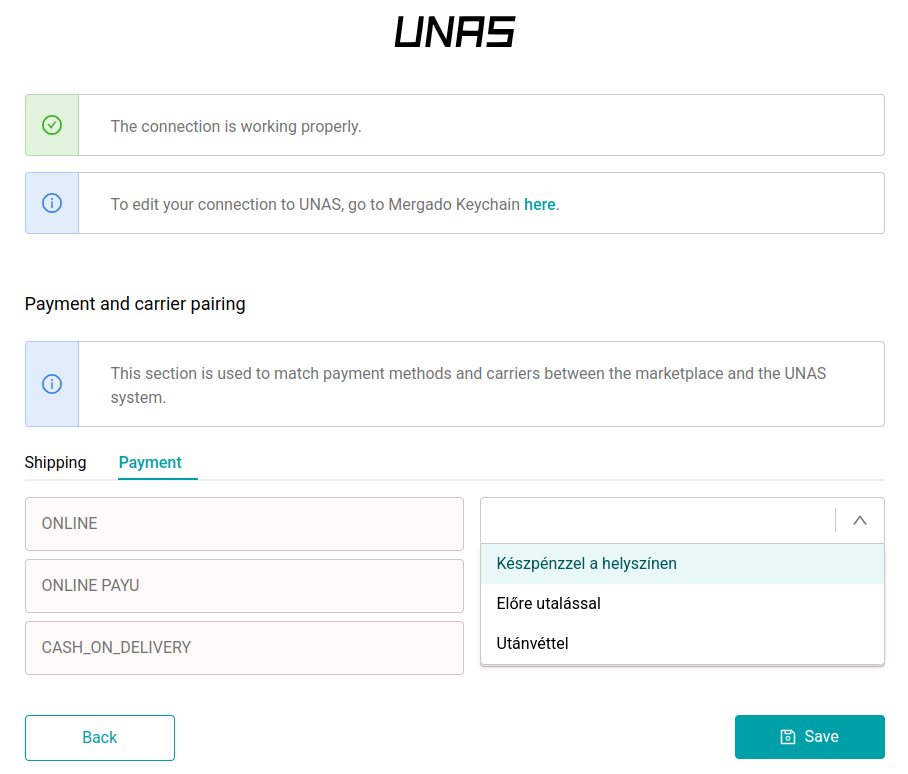
If your e-shop runs on UNAS, you can now enable order synchronization between marketplaces and your e-commerce platform. After a successful connection and activation, orders from Allegro and Kaufland are automatically transferred to UNAS every 5 minutes. Whenever you update an order in your e-shop (for example, mark it as shipped), the status is synchronized back to the marketplace as well.
A detailed guide on how to set up the UNAS integration and activate order synchronization can be found here.
Campaign drafts
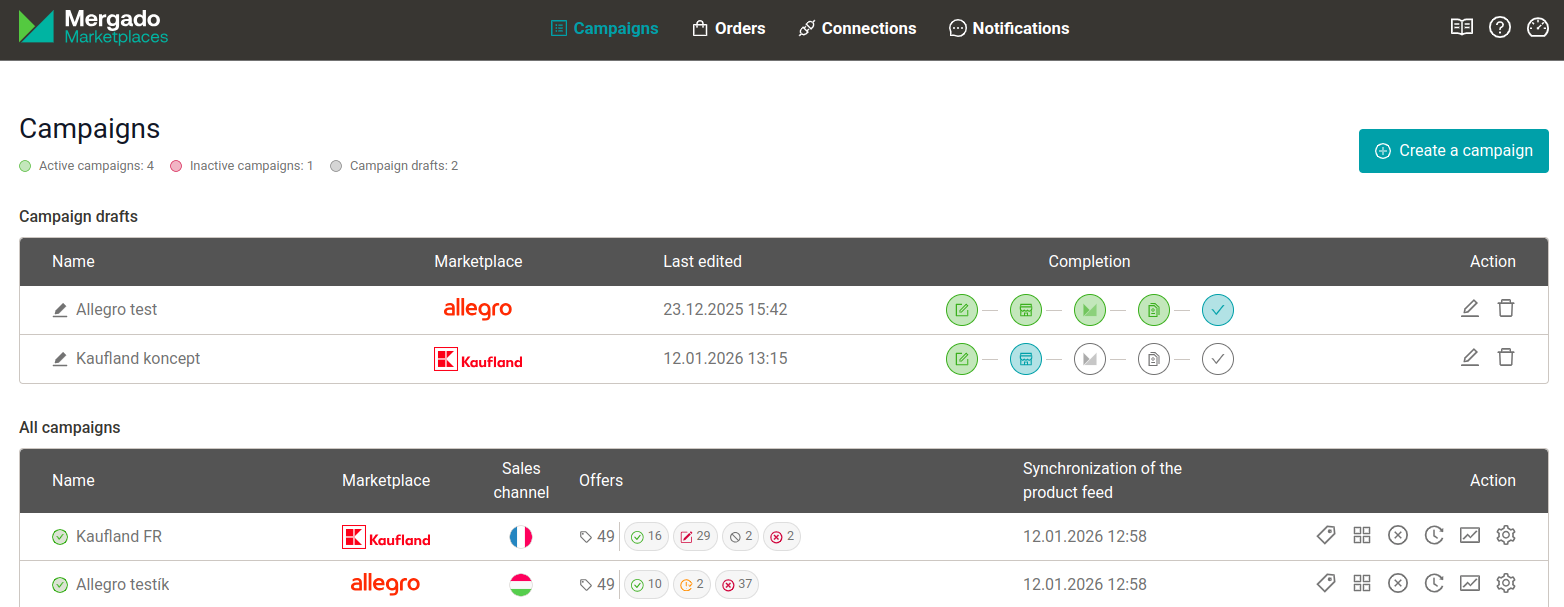
You no longer have to worry about losing your work while creating a campaign. Starting from step 2 of the wizard, you can click ‘Save draft’ at any time and come back to your campaign later.
Your saved drafts are clearly listed in the new ‘Draft campaigns’ section, where you can see the completion status and the date of the last edit. With one click, you can continue exactly where you left off—or delete the draft. You can have up to 3 drafts in the app at the same time.
This new feature gives you peace of mind to take care of any in-between steps (such as missing marketplace documents or availability feeds) without stress and without having to start your campaign from scratch later.
Allegro additional services packages
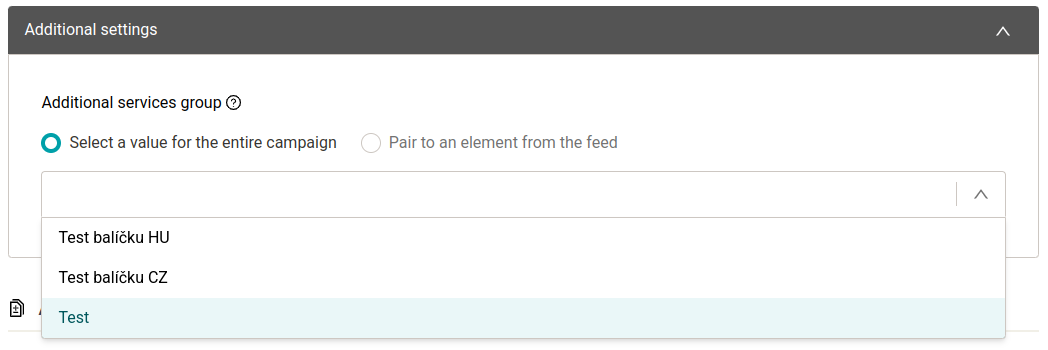
Additional services packages allow you to offer customers extra services such as gift wrapping or delivery with installation. First, create your own service package in your Allegro administration at this link.
When mapping the package to a feed element, it is linked to the offer based on the ‘Package name’ field in Allegro, so the name in Allegro and in the feed must match exactly. Packages with identical names are not available—rename them so that each package has a unique name.
Please also note that due to Allegro’s limitations, only one additional services package can be assigned to an offer (so it is not possible to assign, for example, separate packages for the PL and CZ markets to the same offer).
If you have any issues or suggestions for improvement, feel free to contact our Customer Success team at mergado@mergado.com.