Would you like to have an overview of actual orders/sales from Eshop-Rychle, for example, in Google Sheets or directly in Looker Studio?
The Mergado Orders extension generates data as a CSV feed. Let’s take a look at how to easily get sales statistics into Google Sheets and Looker Studio through the Mergado Orders extension.
How to get orders into Google Sheets
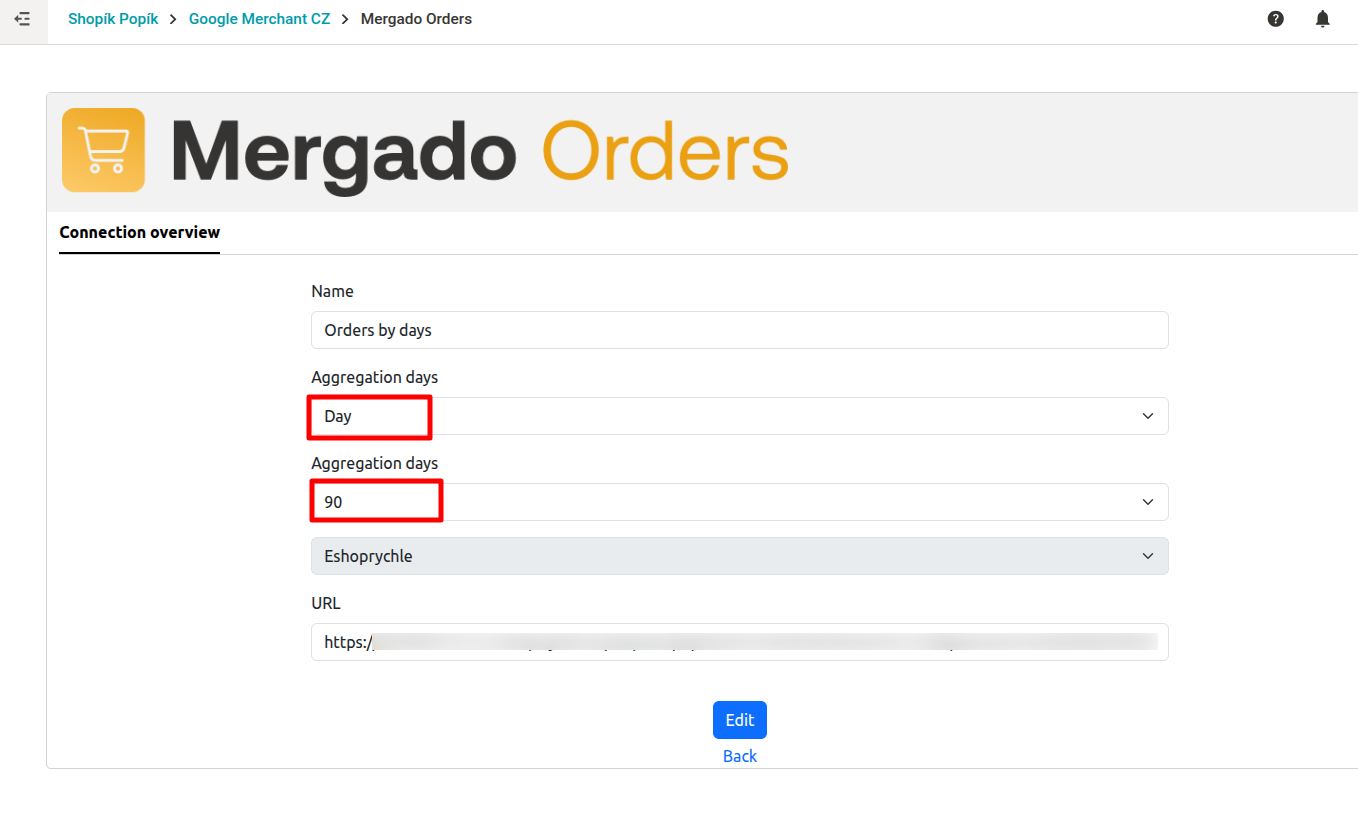
- First, create a new connection with the aggregation type “Day.” It’s up to you how many days you want to download orders for. Save the connection.
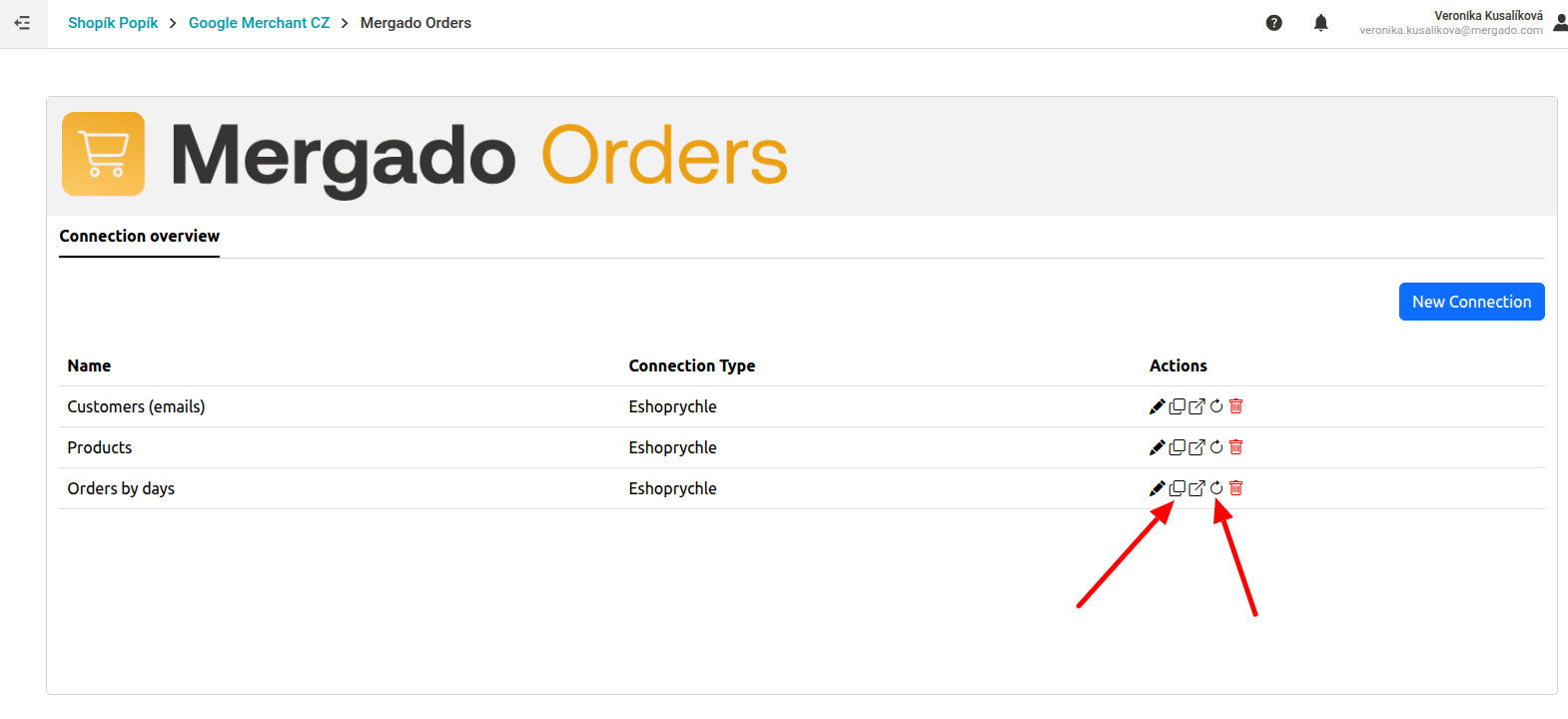
- Click on the update icon and regenerate the data. You can now copy the statistics.
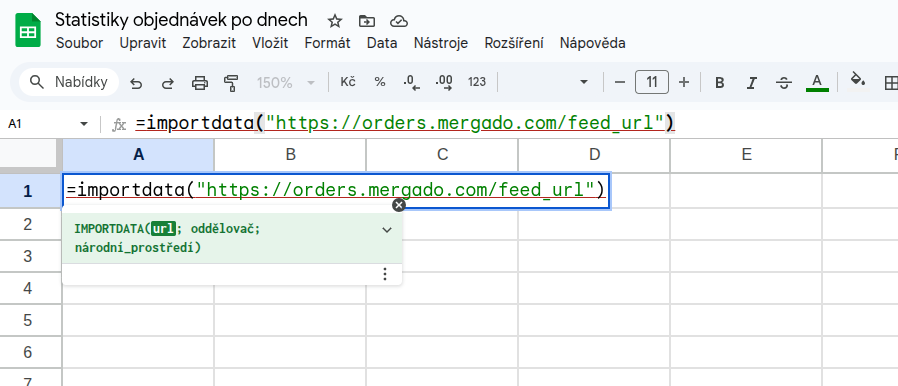
- Open Google Sheets and create a new sheet. In the first row, enter the command =importdata + your link to the copied feed, see e.g.:
=importdata("https://orders.mergado.com/feed_url/xxx")
Of course, you can also download data from Mergado Sources as a CSV file and import it into Google Sheets from your computer in the usual way.
How to get orders into Looker Studio
Now nothing stands in the way of easily uploading your data to Looker Studio.
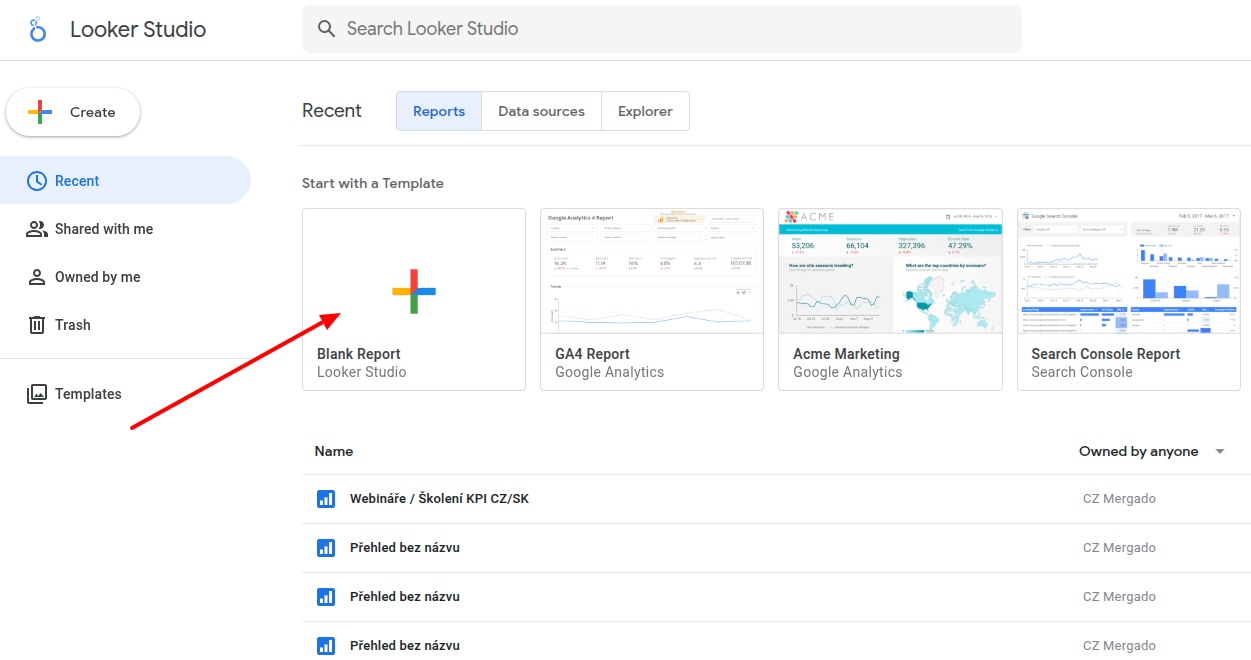
- Open a blank overview in Looker Studio.
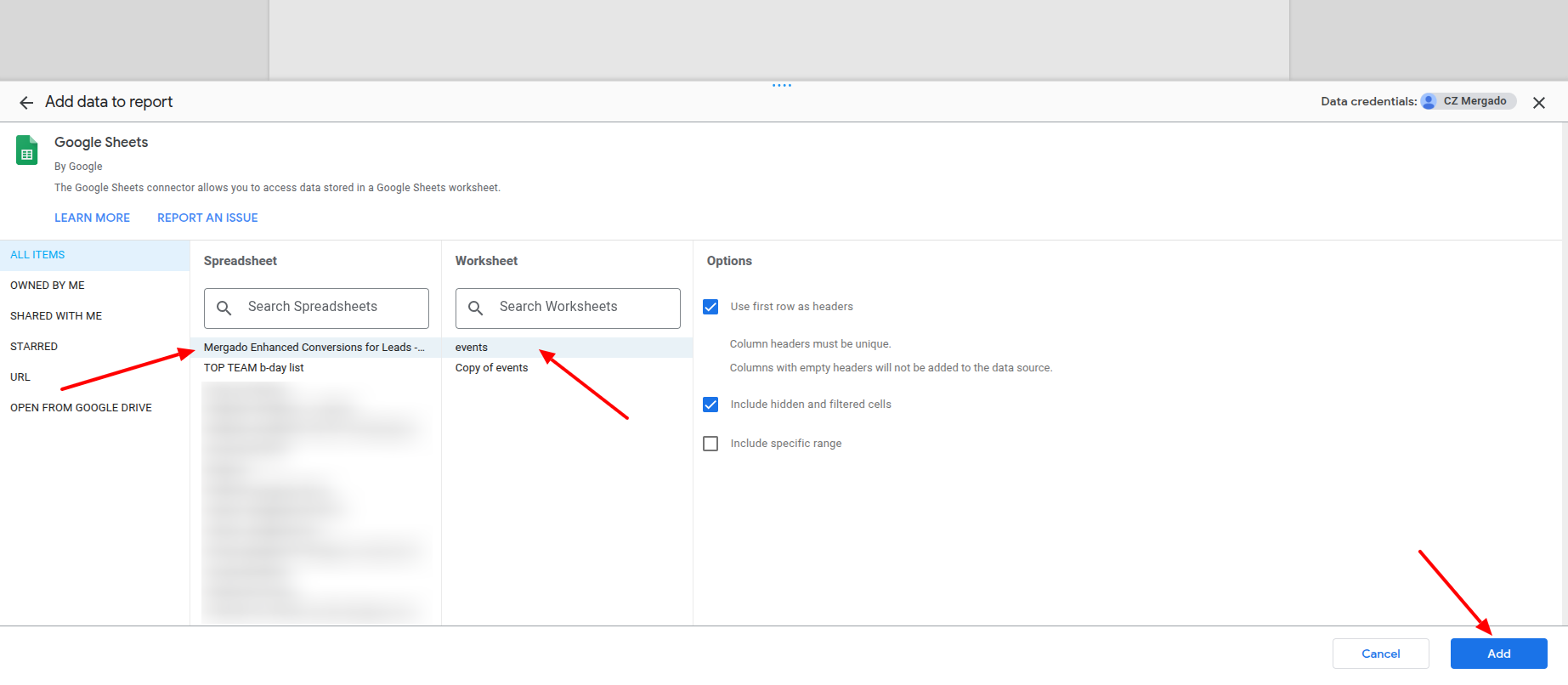
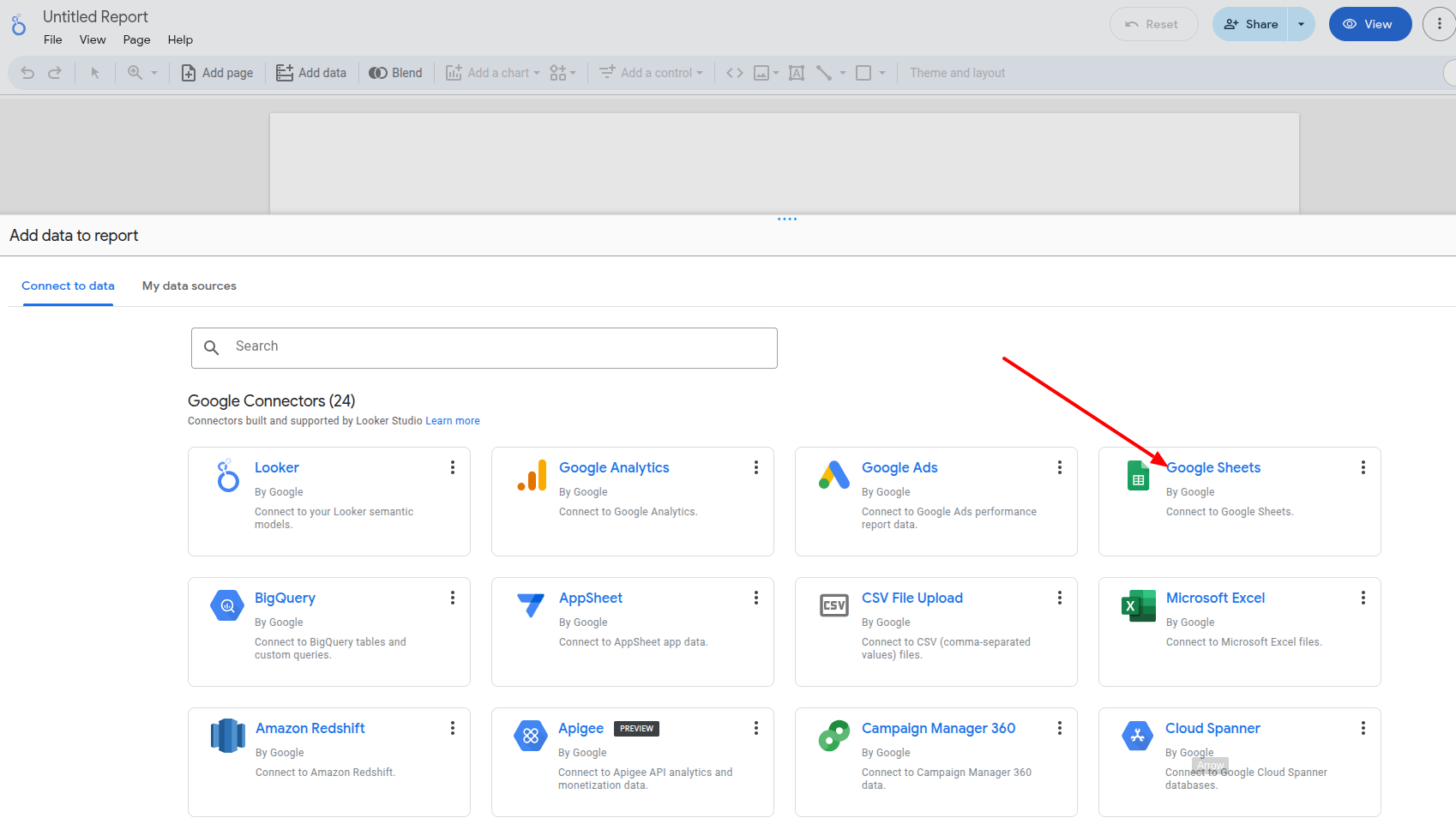
- Select Google Sheets from the available sources.
- Select the spreadsheet you created in the previous step from the data in Mergado Sources.