Mergado Marketplaces - 67 - Availability Feed URL Suggestions
With the latest Mergado Marketplaces update, we focused on suggesting availability feed URLs from other campaigns or from Mergado Editor.
2026-04-07T07:30:00Z
•  Availability feed URL suggestion from another campaign or Editor
•  Empty values in optional elements
•  Additional services packages
•  Tooltip message pause on hover
• Expanding a section when a step is incomplete
•  Other minor improvements
Change details:
Availability feed URL suggestion from another campaign or Editor
We have updated step 4 of the availability feed setup during campaign creation. If the user already has another campaign in Mergado Marketplaces or a project in Mergado Editor with an output for a Mall or Heureka availability feed, they can now simply select the URL from a prepared list instead of filling it in manually.
The list always shows the name of the campaign or project together with the corresponding feed URL. It is also clearly indicated whether the feed comes from another campaign or from Mergado Editor.
The URL suggestion section is displayed only if the user has relevant feeds available. It will therefore not appear for the first campaign without any available projects in Editor, nor when the user selects a product feed for availability synchronization.
Empty values in optional elements
We have unified the behavior of selected optional parameters for Allegro and Kaufland in situations where the user deletes a value or leaves it empty. This update addresses cases where a deleted value was previously not removed from the marketplace correctly or behaved inconsistently after saving.
For Allegro, it is now possible to delete both the order processing time and the VAT rate directly in the offer detail. After saving, the field remains visible with a lock icon and an empty value. If the user deletes or unpairs a uniformly set VAT rate in the campaign and then regenerates it, the value is correctly removed from Allegro.
We have also adjusted the same behavior for Kaufland. If the user deletes or unpairs a uniformly set VAT rate, after saving the changes and regenerating the campaign, the VAT changes back to the original value, as requested by Kaufland. When deleting the value in the offer detail, an empty value with a lock icon is now saved and the VAT rate is correctly removed from Kaufland.
Additional services packages
Additional services packages are now transferred into e-shop solutions such as Upgates, Pohoda, WooCommerce, Shoptet Premium, and Shopify. A user who activates an additional services package can therefore offer extra services to the end customer, such as gift wrapping or delivery with installation. We wrote more about this here.
Tooltip message pause on hover
If an error message is shown to the user, it remains visible for a few seconds. The user can hover over it, and if they do, the countdown pauses.
If you encounter any issues or have suggestions for improvement, please do not hesitate to contact Mergado support at Mergado@Mergado.cz.

 More robust deactivation of Allegro offers
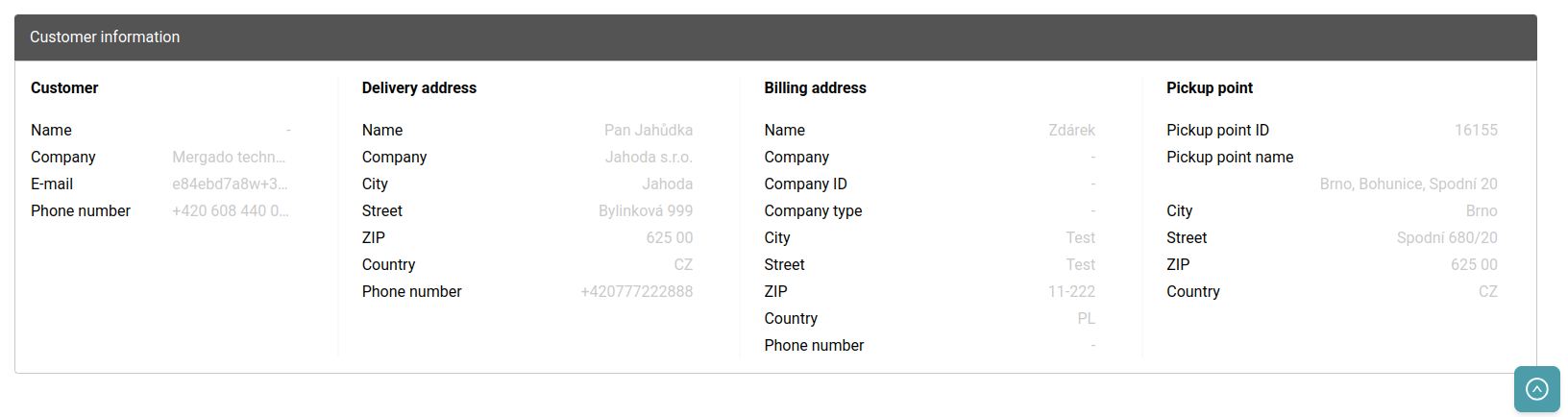
 VAT rate for products in orders
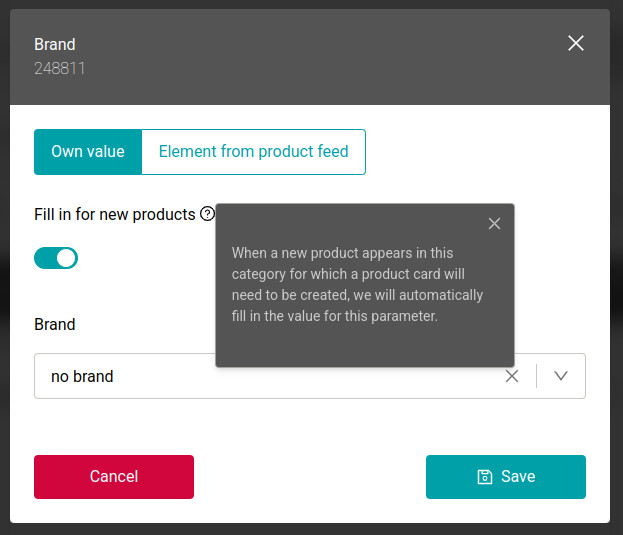
 Separating the “Fill in for new products” feature from automatic listing
 Unified position of the “Save” button across the extension
 Validation of previous fields and steps when opening a draft
 New “URL address” field for the Kaufland
  Regular status checks of product cards for Kaufland
 New method for verifying Allegro One Fulfillment orders
 Removal of the limit for loading the list of queries from Mergado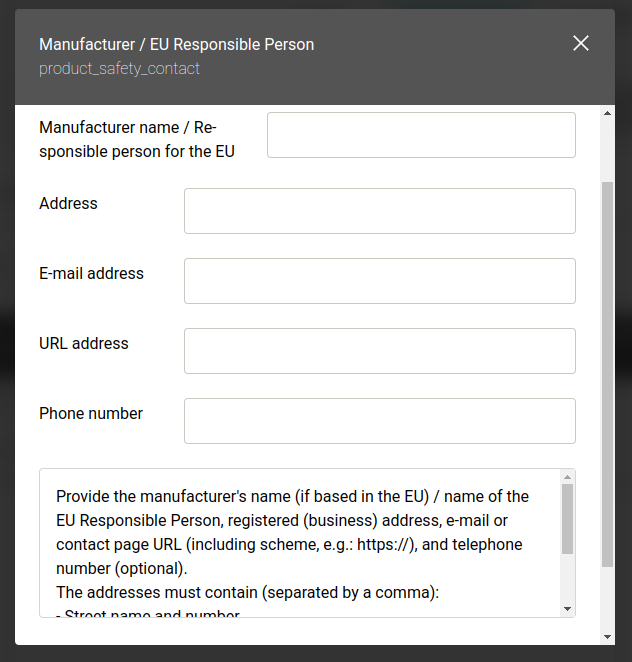
 Improved order feed for the POHODA system
 Ability to map the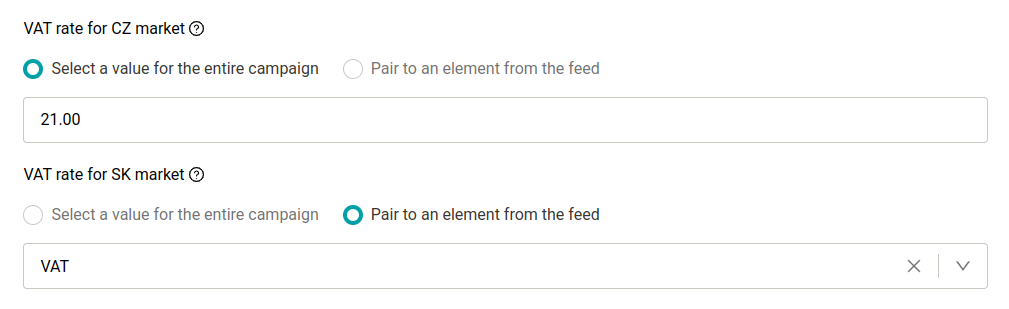
 This does not change how data is sent to e-commerce or ERP platforms.
 Upgates connection - order synchronization
 Automatic activation of selected notifications for new users
 Localization of validation messages for Allegro