Introduction to expansion
- Expansion
- Expansion goals
- Types of expansion
- How to prepare for expansion
- How Mergado can help you with expansion
- Feed management options for expansion
- Which apps (extentions) facilitate expansion
- Mergado Translate
- Feed Image Editor
- Bidding Fox Elements
Is your business successful in the domestic market? Expanding your business abroad is a process that can bring you new opportunities and profits. However, it requires careful planning, market analysis, and risk assessment. Therefore, the decision to expand your e-shop must be based on realistic goals and the resources available to your company.
Expanding your business into foreign markets takes longer, but it is easier now than ever before. Expansion is facilitated by the rapid growth of e-commerce, expanding logistics, and technological advances. Mergado Editor and its applications will help you make your e-shop visible on an international level. In this article, we will show you how to proceed for effective international penetration.
The goal of expansion
The goal of expansion is to expand the company’s business to other countries and can be motivated by various goals or strategies, such as:
- Increasing sales: This is often one of the main goals of expansion. In this case, the company enters markets with the greatest growth potential.
- Risk diversification: If a company is dependent on only one market and that market deteriorates, it can have consequences for its operations. Expansion into other countries can significantly mitigate these risks.
- Increased competitiveness: A brand can also expand into foreign markets to increase its ability to compete in the global market.
- Access to new customers and markets: Expansion offers space where there may be unique demand for the products or services of an e-shop.
- Growth and development: Expansion can be part of a long-term plan and increase the reach of the business.
- Increased value for shareholders: Expansion into foreign markets can increase the value of the company for its shareholders by generating new revenue and profit growth.
Expansion also involves risks, such as cultural differences, regulations in a given country, economic conditions, and social issues. Therefore, it is important for a company to carefully consider the advantages and disadvantages of expansion before planning it.
You must also realize that every market is unique. Therefore, the first step is to create a unique business plan. For example, just because you were able to easily establish yourself in the domestic market does not mean that you can use the same tactics to enter neighboring countries.
Types of expansion
- Expansion into completely new markets: The company expands by entering international markets. This gives it access to new customers and opportunities.
- Development of new products or services: Expansion can also include portfolio expansion. Developing new products can help a company attract more customers and increase its market share.
- Acquisitions: A company may decide to expand by merging with other companies. This strategy allows the company to increase its competitiveness in the market.
- Franchising: Franchising is a model of expansion in which a company allows other entities to operate stores under its brand.
- Organic growth: This represents the gradual and natural growth of a company, where expansion is achieved by increasing sales of existing goods, increasing efficiency, and acquiring new customers.
- Online expansion: In the digital age, expansion can also include online expansion via the internet and social media.
How to prepare for e-shop expansion
When entering foreign markets, check:
- local sales and promotional channels
- consumer behavior of local shoppers
- competition
- pricing policy
- legal and technical restrictions
- language conditions
- The first step in market research is to determine the local context, where and how consumers most often shop. You can use a free tool such as Similarweb for this.
- It is also important to analyze prices and the business environment. For example, e-shops face fierce competition, especially if they sell the same or similar products. Studying their offerings in as much detail as possible will help you determine an appropriate pricing strategy.
- When analyzing the competition, focus on their sales channel, payment and shipping terms, advertising, communication with customers, e.g., customer service.
- In some countries, you can take advantage of local benefits such as cheaper labor, availability of raw materials, or better logistics. However, first find out all the legal steps you will need to take.
- Will you also need to localize your e-shop? Consider whether you might need an employee who is familiar with the market or speaks the local language. Don’t forget to analyze keywords for your website or e-shop. It can save you a lot of money and help you structure your website correctly or target your campaigns.
How Mergado can help you with your expansion
Once you have an e-shop and a plan, the next challenge is to connect it to advertising and sales channels. Each of them has slightly different requirements for the product feed. Although most systems are similar, there are almost always certain differences in settings. When adjusting them, it is also necessary to communicate directly with programmers or edit them manually. That’s why it’s best to manage product channels automatically in Mergado Editor.
TIP - What is a product feed?
A feed is a data file with information about your products. This includes, for example, the product ID, product description, category to which the product belongs, price, and so on. Think of it as a digital file that stores all the information about the products you want to advertise. A feed is an essential part of all paid advertising on search engines, social networks, and product comparison sites.
You can find an article on our blog (What is a feed and why you need it in your e-commerce strategy | Mergado.com) where we explain the whole issue of feeds.
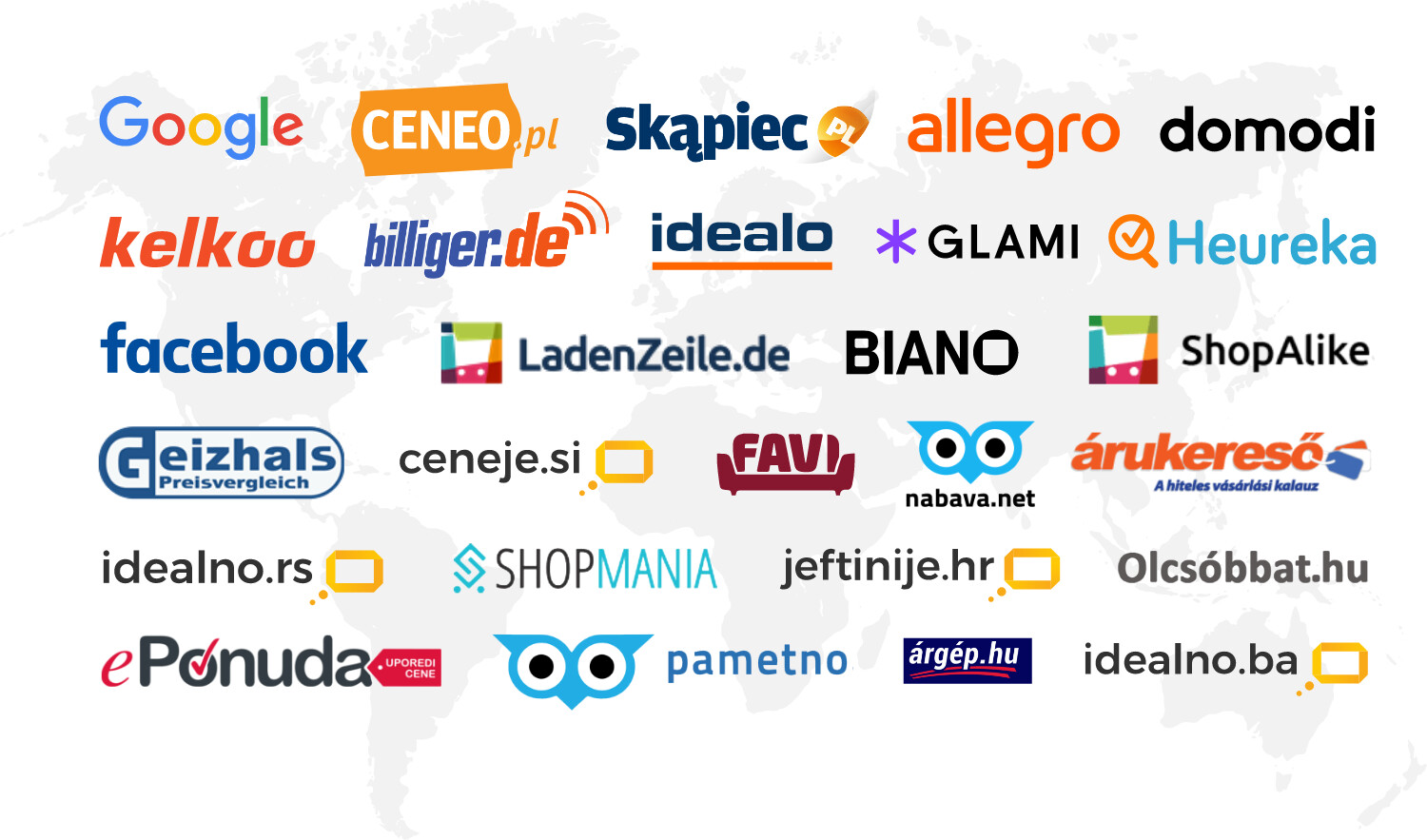
Expanding your e-shop abroad is no problem with Mergado. Just use the formats for the advertising channels you already use and convert them to the ones you currently need. When expanding abroad, Mergado’s ability to communicate with dozens of product comparison platforms or marketplaces, which are visited by hundreds of millions of people every day, comes in handy.
Feed management options for expansion
Mergado is a multifunctional tool for comprehensive data management, which is crucial for e-shop owners. However, it does not only serve as an intermediary between the e-shop and the advertising channel, but also for managing data from suppliers. You can also easily expand your feed with data from other tools, such as the Bidding Fox Elements application.
Using the Data file import rule, for example, you can import your stock levels. Mergado Editor allows you to easily integrate product feeds from different suppliers and then send them to your e-shop solution. If necessary, you can also use your own custom feed format.
And if you already have experience with feed management, you don’t have to edit each feed separately. Simply prepare an input feed, which you then insert into converters for individual formats. For example, in the initial feed, you want to hide all items that are out of stock, all products from a category, or all items that are too cheap.
In Mergado, you can manage your e-shop advertising yourself, speeding up the tasks necessary for expansion and saving on programmer costs.
TIP - You may be interested in:
- How to manage product data and combat inflation? Take advantage of feed management
- How to use AI for data management in Mergado
Which other apps facilitate expansion
In the Mergado Store, you will also find a range of add-on apps for better business performance. All are free for the first 30 days.
With the Mergado Translate application, nothing stands in the way of your expansion. With this application, you can automatically translate products or texts from websites that you have in formats that can be processed by Mergado Editor.
Where you can use Mergado Translate:
- translation of an e-shop for expansion into another country
- translation of product data for foreign advertising or marketplaces
- Translation of product data from foreign suppliers
- Translation of product data for foreign wholesale customers
In online business, images are what sell. It is difficult and time-consuming to maintain the correct display, quality, or dimensions. The Feed Image Editor application, which is compatible with Mergado, allows you to automate your work with product images. With a single click, you can efficiently edit watermarks, resize images, or crop them effectively.
Feed Image Editor offers many useful features that will get your images in top condition and allow you to achieve the most important thing: getting customers on local platforms to buy from your e-shop.
Start right away with a free image audit of your products—a check that will help you identify any shortcomings.
Get more information about advertising through hundreds of elements. The Bidding Fox Elements application works with statistical data from product comparison sites and Google Analytics, as well as information about weather, exchange rates, and more.